PC or PS5? If you are about to jump into Arknights: Endfield for the first time that question actually matters more than you might think. The game launched on January 22 2026 across PC Windows PS5 iOS and Android and while the core experience is the same on every platform the way it feels to play is genuinely different depending on where you load it up. This guide breaks down the full comparison so you know exactly what you are getting before you start.



Arknights Endfield PC vs console the platforms available right now
Before getting into the details it helps to know where things stand with platform availability. Arknights Endfield is available on Windows PC through the Epic Games Store and on PS5 as a native console release. There is no Xbox version and no Nintendo Switch version confirmed at this time so if you are on console the PS5 is your only option right now.
Both platforms let you start playing Arknights Endfield completely for free since the game follows a free-to-play model across all platforms. You also get full cross-save support meaning your progress syncs between PC and PS5 under a single account. So if you start on one platform and want to switch later you will not lose anything.

Performance and frame rate where PC pulls ahead
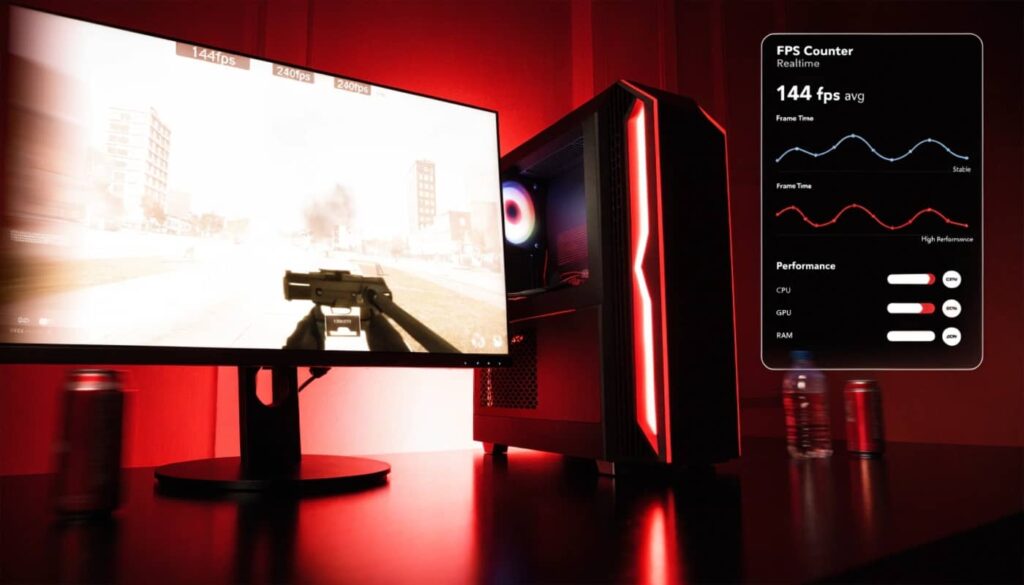
This is the biggest difference between the two platforms and it is not close. On PC Arknights Endfield supports up to 120 FPS natively and it also includes full support for DLSS 4 Multi Frame Generation. With an Nvidia RTX 50 Series GPU Nvidia confirmed players can expect an average 3x frame rate boost at 4K with DLSS 4 Multi Frame Generation enabled. On mid-range RTX cards at 1080p the game can push well past 120 FPS with DLSS active which makes combat feel incredibly responsive and fluid.
The PS5 version runs at a stable 60 FPS in performance mode and targets native 4K in fidelity mode. That is a solid and consistent experience but it is a fixed ceiling. You cannot push beyond 60 FPS on PS5 regardless of what you are doing in game. For a real-time action RPG like Endfield where you are switching between operators mid-fight timing dodges and reacting to enemy attacks that gap between 60 FPS and 120 FPS is something you feel immediately when you switch platforms.
PC delivers higher frame rates and flexible controls while PS5 offers a polished console experience with optimized controls and large-screen visuals perfect for living-room gameplay.
Visual quality comparison
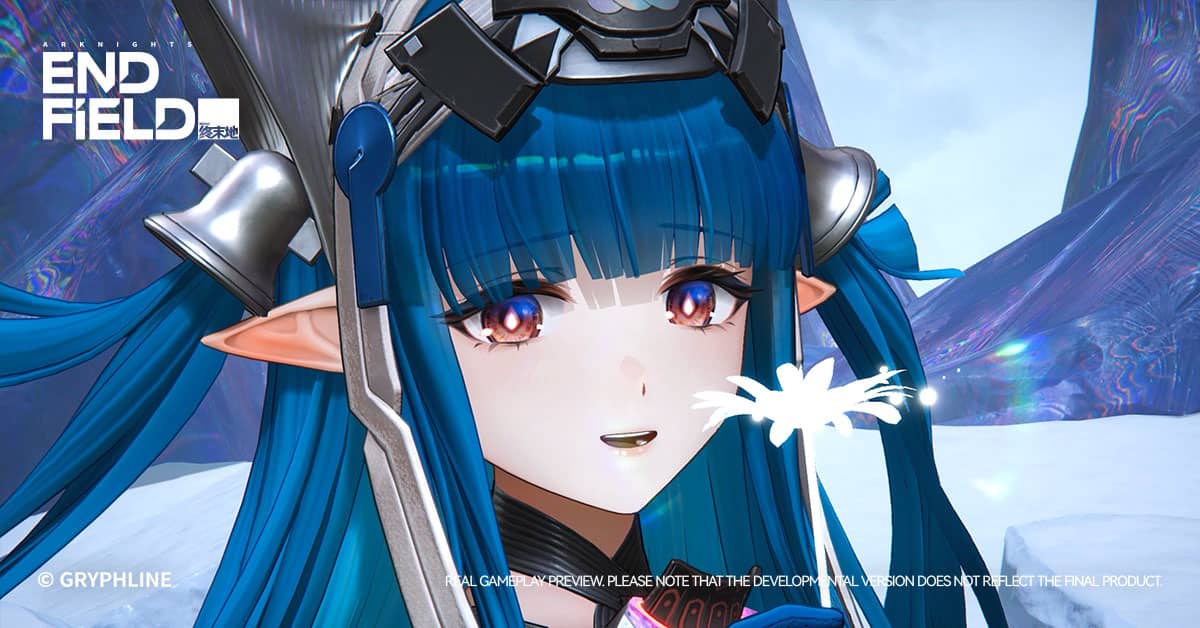
Both versions of Arknights Endfield look great and the art direction from Hypergryph is genuinely impressive on every platform. The alien landscapes of Talos-II the detailed Operator designs and the particle effects during combat all look sharp and well-crafted whether you are on PC or PS5.
The PS5 version runs ray tracing as a standard feature giving you better shadows and reflections without needing to toggle anything. The PS5 SSD also handles zone loading so fast that transitions between areas feel almost instant which is a real advantage over PC setups still running on older SATA SSDs.
On PC the visual ceiling is higher but it depends entirely on your hardware. A high-end gaming PC with an RTX 4070 Ti or above running DLSS 4 will look better than PS5 in direct comparison. A budget PC sitting at minimum specs will not. The key difference is flexibility. On PC you can tune every single setting independently while on PS5 you are choosing between a small set of presets.
| Feature | PC | PS5 |
|---|---|---|
| Max frame rate | 120 FPS and beyond with DLSS 4 | 60 FPS |
| Resolution | Scalable up to 4K and above | Native 4K |
| Ray tracing | Available on supported GPUs | Standard in fidelity mode |
| Upscaling tech | DLSS 4 and FSR supported | Not applicable |
| Load times | Fast on NVMe SSD | Near instant on PS5 SSD |
| Graphics settings | Full manual control | Fixed presets only |
| Haptic feedback | No | Yes via DualSense |
| Controller remapping | Full custom keybinds | Limited to 4 settings |
Controls and gameplay feel
Keyboard and mouse on PC
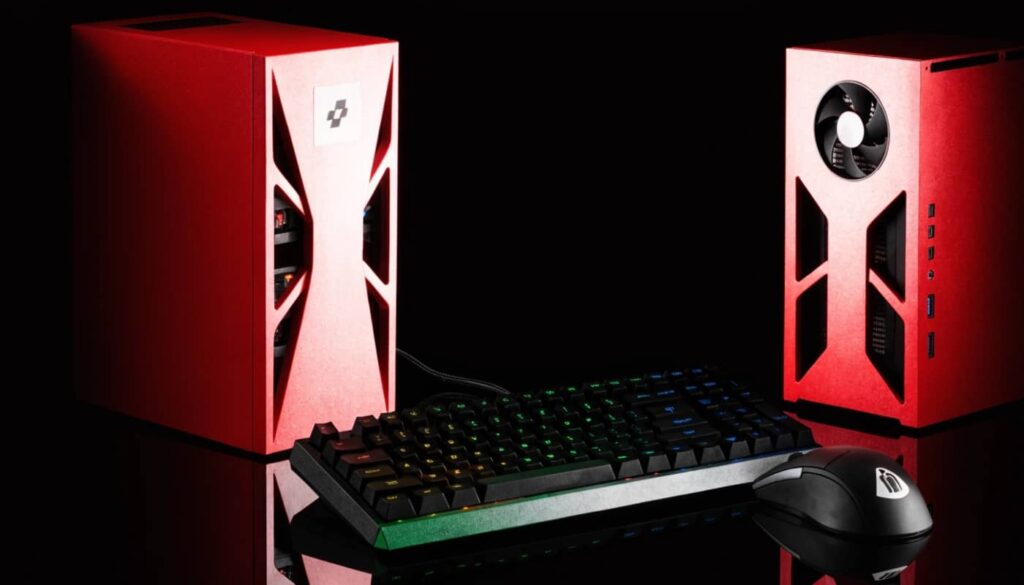
Keyboard and mouse is the strongest control option in Arknights Endfield and it is only available on PC. Mouse aiming gives you precise targeting during combat which makes a real difference when you need to quickly select specific enemies in a crowded fight. The keyboard also gives you instant access to every Operator skill shortcut and makes navigating the Automated Industry Complex much faster when you are placing conveyor belts and managing production lines.
PC also supports full custom keybind remapping so you can set up your controls exactly the way you want them. That level of customization simply does not exist on PS5 where controller remapping is limited to only four settings.
DualSense on PS5
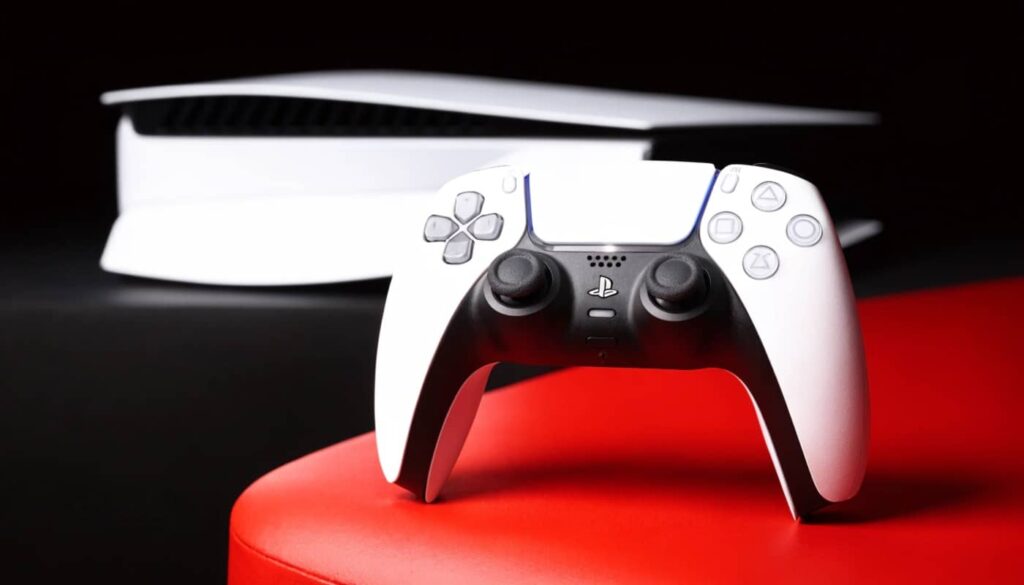
The PS5 version makes good use of the DualSense controller. Adaptive triggers add physical resistance during certain combat inputs and haptic feedback gives you a tactile sense of hits and skill activations that you genuinely notice during boss fights. It adds a layer of physical immersion that no PC peripheral currently replicates in the same way.
Playing on a large TV from your couch with a DualSense in hand is also just a more relaxed experience. If you prefer that kind of setup over sitting at a desk the PS5 version delivers it really well.
Which platform is better for base building
The Automated Industry Complex is roughly half the game in Arknights Endfield and platform choice affects how enjoyable that half is more than most people expect. On PC using a mouse to drag and place conveyor belts connect facilities and manage production lines feels natural and intuitive. You can see more of your factory layout at once on a larger monitor and precise mouse clicks make the whole system much easier to navigate.
On PS5 the same factory management is done entirely with a controller. The developers did optimize the interface for console input but it is a noticeably slower and less precise process than using a mouse. If the base-building side of Endfield is something you are excited about PC is the better choice for that reason alone.
Price and accessibility
Both platforms let you start playing without spending anything since the game is completely free to play. The real cost difference is in the hardware itself. A PS5 costs a fixed amount and runs Arknights Endfield well out of the box with no configuration needed. A gaming PC capable of matching or exceeding PS5 performance costs more upfront but gives you access to a much wider library of games and the ability to upgrade over time.
If you already own a gaming PC that meets the recommended specs then the choice is simple. If you are starting from scratch and only care about Arknights Endfield the PS5 is the more straightforward path to a great experience. Either way setting up your free Endfield account on your platform of choice takes only a few minutes and you will be exploring Talos-II the same day.
Cross-save: the feature that makes the choice easier
One thing that takes the pressure off this decision completely is cross-save. Arknights Endfield uses a unified account system that syncs your progress across PC PS5 iOS and Android. Your Operators your base layout your story progress and your resources all carry over between platforms under a single login.
This means you can start on PC and continue on PS5 whenever you want or play primarily on console and jump to PC for the factory management sessions where a mouse makes things easier. The game is genuinely designed to move with you across devices and that flexibility is one of the smartest things Hypergryph built into it.
Both platforms deliver a great version of Arknights: Endfield but they serve different kinds of players. PC wins on raw performance flexibility and controls especially for the factory building system. PS5 wins on consistency ease of setup and the DualSense experience. Since cross-save lets you switch freely between them there is no wrong answer. Pick your platform and jump into Talos-II for free today then tell us in the comments which platform you chose and why.