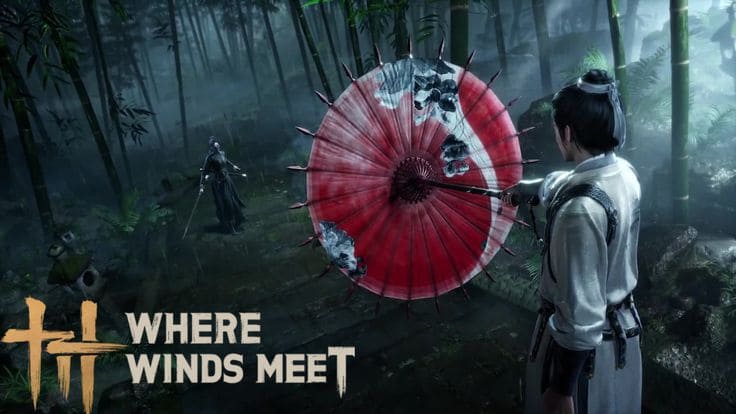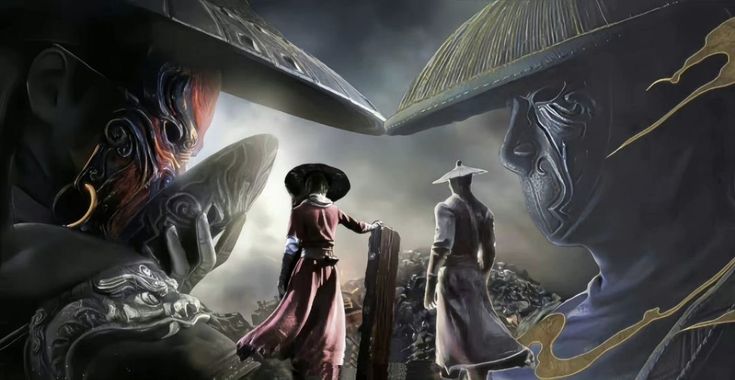
Where Winds Meet has been one of the most talked-about free RPGs of the past year and for good reason. It delivers a cinematic open world set in tenth-century China with 150 hours of content, deep martial arts combat, and zero cost to start. If you have been wondering whether it is actually worth downloading, the honest answer is yes and this guide walks you through every step to get the game installed and running on your Windows PC in under 90 minutes.



What you need before you download Where Winds Meet

Platform and OS requirements
Before anything else you need to confirm you are on the right platform. Where Winds Meet is currently available on Windows PC only. Mac users cannot install the game through any available method at this time. If you are on Windows 10 or Windows 11 you are good to go. Both operating systems are fully supported and the installation process is identical across both.
The game is an online-only title which means a stable internet connection is required not just for download but for every session you play. A minimum broadband speed of around 10Mbps is enough for smooth gameplay though faster connections will reduce your initial download time significantly. The full download size sits at approximately 60GB so budget your connection time accordingly before you start.
Minimum PC specs to run the game
| Component | Minimum | Recommended |
|---|---|---|
| OS | Windows 10 64-bit | Windows 10 / 11 64-bit |
| CPU | Intel i7-4790 / Ryzen 5 1600 | Intel i7-8700K / Ryzen 5 3600 |
| RAM | 16GB | 16GB |
| GPU | GTX 1060 6GB / RX 580 8GB | RTX 2070 / RX 5700 XT |
| Storage | 60GB (SSD recommended) | 60GB SSD |
| DirectX | Version 11 | Version 12 |
The developers specifically recommend installing Where Winds Meet on an SSD rather than a traditional hard drive. The game streams open world assets constantly and an HDD cannot keep up which causes stuttering and pop-in during normal exploration. SSD is not optional in practice even if it is listed as a recommendation.
Where to download Where Winds Meet on PC for free

Option 1: download via Steam
Steam is the most popular way to get Where Winds Meet on PC and the easiest for players who already have a Steam account. The game is listed as free to play in the Steam store so there is no checkout process and no payment method needed. Steam also handles all future updates automatically which means you never have to manually check for patches or worry about running an outdated version.
How to download on Steam
Open Steam and go to the store search bar at the top of the window
Search “Where Winds Meet” and click the official game page from the results
Click “Play Game” — no payment required since it is free to play
Click Install and choose your preferred drive — always pick SSD if available
Wait for the 60GB download to complete then click Play to launch
Option 2: download via Epic Games Store
Epic Games Store is the second major platform where Where Winds Meet is available for free. The process mirrors Steam: open the Epic launcher, search for Where Winds Meet, click Get then Install, choose your drive and let the download run. Epic occasionally adds launch bonuses and in-game rewards for players who add games through their platform so it is worth checking the Where Winds Meet page on Epic for any active promotions at the time you download.
Option 3: download through the official launcher
If you prefer to keep your games outside third-party platforms the official Where Winds Meet launcher is available directly. You can get the official Where Winds Meet installer for Windows here and be downloading within two minutes. The official launcher gives you direct access to patch notes, seasonal event announcements, and developer communications alongside the game itself.
How long does the Where Winds Meet download take

Download time by connection speed
The full Where Winds Meet install is approximately 60GB. How long that takes depends entirely on your internet connection speed. Here is a realistic estimate across common connection speeds.
~90Minutes at 100Mbps
~3hHours at 30Mbps
~8hHours at 10Mbps
If you are on a slower connection the best approach is to start the download before bed and let it run overnight. Both Steam and the Epic Games launcher support download scheduling and bandwidth throttling so you can prioritize the download during off-peak hours without interrupting other activities on your network.
Does Where Winds Meet support pre-loading
Yes. Where Winds Meet supports pre-loading on both Steam and the official launcher before major updates and seasonal content releases. Pre-loading lets you download the new patch data in the background before it officially goes live so you are ready to play the moment the servers update. If you see a pre-load option available when you visit the game page it is always worth using it especially for large seasonal updates which can add several gigabytes to the install size.
Step-by-step installation guide for Windows PC
Installing on Windows 10
Windows 10 handles the Where Winds Meet installation cleanly with no additional steps required beyond the standard download process. Make sure your Windows 10 installation is updated to at least version 1903 since older builds can cause DirectX compatibility issues during first launch. Run Windows Update before installing if you have not updated recently and restart your PC afterward before starting the game download.
Installing on Windows 11
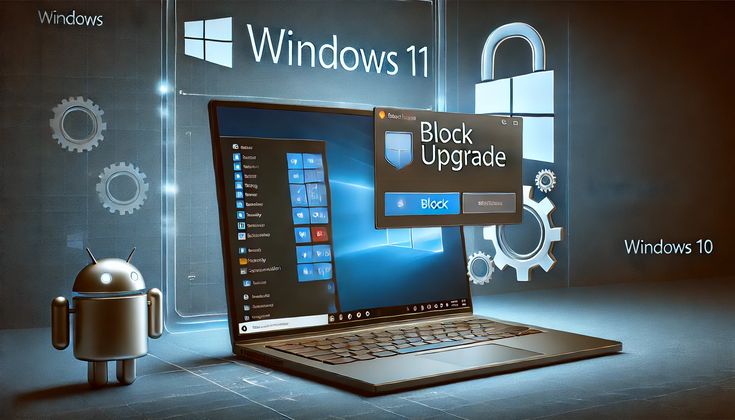
Windows 11 is fully supported and actually delivers slightly better performance for Where Winds Meet thanks to improved CPU scheduling in newer builds. The installation process is identical to Windows 10. One thing to check on Windows 11 is that your GPU drivers are current since Microsoft’s driver update system does not always push the latest game-ready versions automatically. Use GeForce Experience for Nvidia or AMD Software Adrenalin for AMD to verify you have the most recent drivers before launching the game for the first time.
SSD vs HDD: which drive should you install on
Always SSD. This is not optional advice in the context of Where Winds Meet. The game’s open world spans 20 distinct regions and the engine streams terrain data, NPC models, character animations, and environmental assets continuously as you move through the world. An SSD delivers that data fast enough that the experience is seamless. A traditional hard drive introduces visible stuttering during fast movement, pop-in on distant objects, and noticeably longer transitions when fast traveling between locations. The developer recommendation for SSD installation exists because they tested it and the difference in experience quality is significant.
Creating your account and logging in for the first time
Free account setup
Where Winds Meet requires a free account to play. Account creation takes under two minutes and requires only an email address and a password. There is no payment information required at any point in the signup process. After entering your details you will receive a verification email and once confirmed your account is active and ready to use.
If you downloaded through Steam you can link your Steam account to your Where Winds Meet profile for faster logins going forward. Steam handles authentication automatically which means you will never need to manually enter your credentials again on the same PC. This is the recommended setup for most players since it simplifies the login process and keeps your game tied to your existing Steam library.
Choosing your server on first launch
The first screen you see after logging in for the first time is the server selection screen. This is one of the most important decisions you make in Where Winds Meet because switching servers later requires creating a new character and starting over from scratch. Pick a server in your geographic region for the lowest ping and smoothest online experience. The server browser shows current population levels so choose one marked as Normal rather than Full to avoid queue times during peak hours.
If you plan to play with friends make sure everyone selects the same server before creating a character. This is the single most common mistake new players make and it cannot be undone without losing your progress on the original server.
Once you are logged in and on your server your first session in the game begins with a character creation screen. Where Winds Meet has one of the most detailed character creators in any free RPG available today including a photo upload feature that generates a character face based on your own appearance. For a complete walkthrough of what to do after installation including graphics settings and first session tips check our full Where Winds Meet PC setup guide which covers everything from first launch to your first hour in Jianghu.
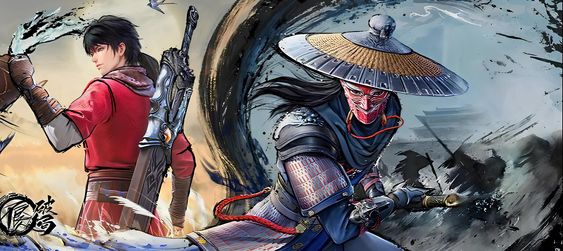
Common download and install problems: quick fixes
Download is stuck or extremely slow
A stuck download is almost always a server or network issue rather than a PC problem. Try pausing the download for thirty seconds and resuming it to reset the server connection. On Steam switch your download region in Settings under Downloads to a less congested server. Regions in different time zones that are in off-peak hours typically deliver much faster speeds than your default region during busy evening periods.
Installation fails or shows corrupted file error
On Steam right-click Where Winds Meet in your library, open Properties then Local Files, and click Verify integrity of game files. Steam will redownload only the corrupted or missing files without restarting the entire 60GB download. On the official launcher look for a Repair option in the gear icon menu. Also check your antivirus quarantine folder since Windows Defender frequently flags launcher components incorrectly during installation and silently moves them which breaks the install without showing a clear error message.
Game crashes immediately after launch
An immediate crash on launch usually means one of three things: outdated GPU drivers, missing Visual C++ or DirectX components, or a conflict with overlay software. Update your GPU drivers first since this resolves the majority of launch crashes. Then install the latest Microsoft Visual C++ Redistributables and run the DirectX End-User Runtime installer from the Microsoft website. Finally disable Discord overlay and any other overlay tools before launching the game again.
Getting the best experience from day one
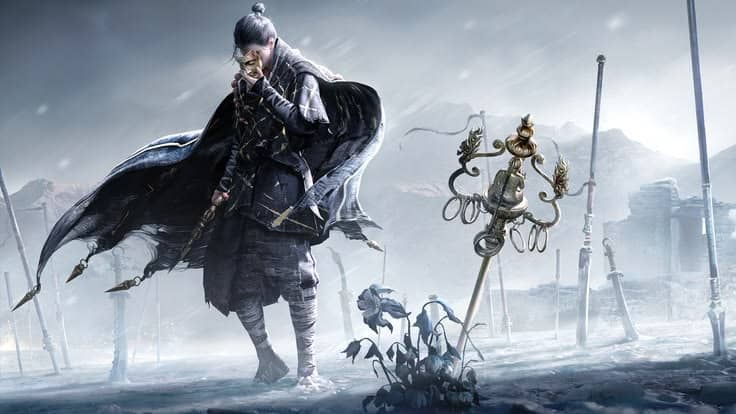
Graphics settings to configure before your first real session
The auto-detected graphics preset that Where Winds Meet applies on first launch is a starting estimate not a final configuration. Take five minutes to open settings and verify your resolution matches your monitor, confirm render scale is at 100% for mid-range and high-end GPUs or 80% for budget hardware, and immediately disable motion blur and depth of field. Both add visual noise during fast combat and exploration without contributing meaningful quality during actual play.
The 5 most important things to do in your first two hours
- Choose your profession thoughtfully. Doctor, merchant, assassin, and bounty hunter are not just cosmetic labels. They affect dialogue options, NPC relationships, and gameplay mechanics so read the descriptions before committing to one.
- Talk to every NPC you encounter. Side quests in Where Winds Meet are not marked on the map. They are discovered by interacting with the world organically and the best content in the game is found this way.
- Try at least three different weapon types. The combat feel difference between a glaive, dual blades, and a rope dart is substantial. Experiment before settling on a main style.
- Join a guild as early as possible. Guild membership unlocks multiplayer dungeons, group events, and a community of players who can answer questions and accelerate your early progress.
- Set up your graphics before your first long session. Performance problems are much easier to prevent than diagnose mid-game.
The Where Winds Meet download takes under two minutes to set up and under 90 minutes to complete on a decent connection. You now know exactly which platform to use, what your PC needs to run it, how to fix the most common install problems, and what to do the moment you land in tenth-century China. The only thing left is to actually start. If you still have questions about whether the game is worth your time before you commit to the download our honest breakdown of the free-to-play model covers exactly what you get for free and what costs money. Otherwise go ahead and start your free Where Winds Meet download right now and let your legend begin.