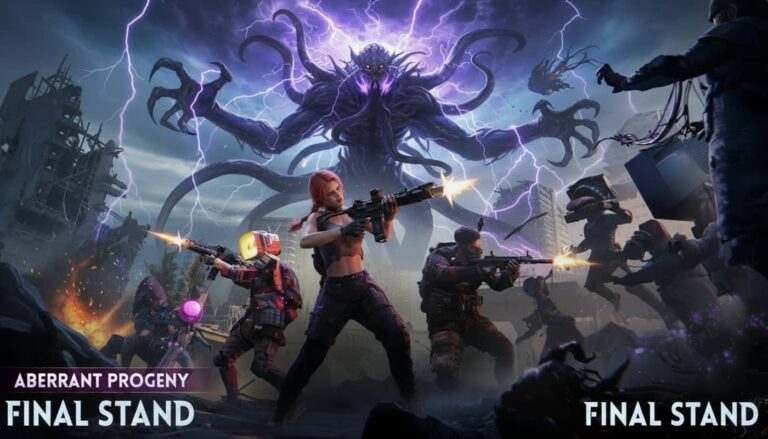
Once Human is free, it runs on PC, and thousands of players are downloading it right now without knowing half of what they should before starting. From checking your specs to fixing install errors to jumping in with friends on day one, this guide covers every step of the Once Human PC download process so you waste zero time and get straight to surviving.
Free to play · No credit card · Available now on PC⬇ DOWNLOAD


What is Once Human and why is everyone downloading it
The free-to-play survival shooter taking PC gaming by storm
Once Human is a free-to-play survival shooter developed by Starry Studio. It drops you into a massive open world transformed by a mysterious substance called Stardust, a cosmic infection that has mutated everything it touches, turning ordinary animals into terrifying monsters and reshaping entire landscapes into something alien and beautiful. Your job is simple in theory: survive, explore, build, craft, and fight your way through this haunted world alone or alongside other players.
What makes the game feel fresh is how it layers systems on top of each other. You are not just chopping trees and building a hut. You are researching technology, assembling weapons from scratch, managing your sanity, and taking on massive boss creatures that require real teamwork to defeat. The world feels alive in a way that keeps pulling you back for just one more run.
Unlike most survival games that charge you $30 or more at the door, Once Human costs absolutely nothing to download and play. No paywalls. No hidden fees. You get the full experience from the moment you hit download.
Once Human PC system requirements can your PC run it
Minimum and recommended specs side by side
Before you download anything you need to know if your PC can actually handle the game. Here is a clear comparison of what you need at minimum versus what you need for a smooth and enjoyable experience.
| Component | Minimum | Recommended |
|---|---|---|
| OS | Windows 10 64-bit | Windows 10 / 11 64-bit |
| CPU | Intel i5-7600K / Ryzen 5 1600 | Intel i7-8700K / Ryzen 5 3600X |
| RAM | 12GB | 16GB |
| GPU | GTX 1060 6GB / RX 5500 XT 8GB | RTX 2080 / RX 5700 XT |
| DirectX | Version 11 | Version 12 |
| Storage | 60GB HDD | 60GB SSD |
Can you run Once Human on a low-end or budget PC
If you have at least 12GB of RAM and a GTX 1060 equivalent GPU there are settings tweaks that can make the game very playable on budget hardware. The key areas to target on a low-end setup are shadow quality, draw distance, and render scale. Dropping those three settings alone can recover 30 to 40 FPS without making the game look dramatically worse. For a full breakdown check our Once Human PC settings: 7 tweaks for best performance guide which walks through every option in detail.


Where to download Once Human on PC for free
How to download Once Human directly from the official site
The fastest and most direct way to get Once Human on your PC is through the official website. You can create your free Once Human account here and start the download process in under two minutes. Once the small launcher installs it will pull the full 60GB game files automatically. Make sure you have at least 65GB of free space before starting.
How to download Once Human on PC via Steam
Steam is the other main option and for most players it is the more convenient route. Open Steam, search for Once Human, click the green Play Game button (there is no purchase step since it is free), choose your install location, and let Steam handle the rest. Steam also verifies and repairs files automatically which saves a lot of time if something goes wrong during install.
Official site vs Steam which is faster
Both use large content delivery networks so speeds are usually similar. Steam has a slight edge because you can manually select your download region in settings which reduces congestion and latency. If you already use Steam it is the smarter long-term choice for automatic updates and easy file management.
How to install Once Human on PC: step-by-step
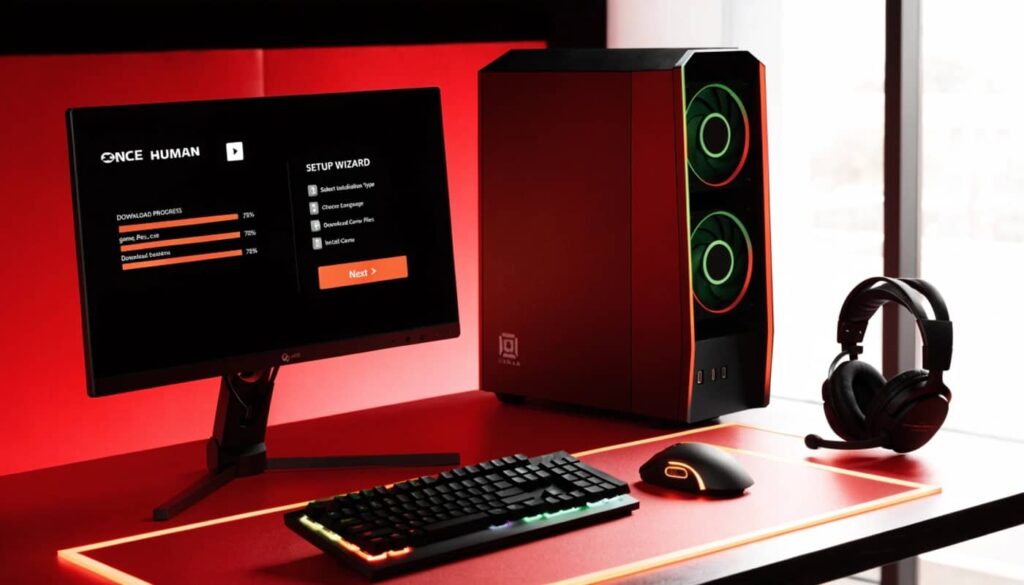
Installing on Windows 10 and Windows 11
Both Windows 10 and Windows 11 are fully supported. Before installing make sure Windows is fully updated since outdated builds can cause launcher and DirectX compatibility issues. During installation always choose your fastest drive. The difference in load times between a spinning HDD and an SSD is dramatic enough to affect your actual experience especially when crossing into new open world zones.
Should you install Once Human on SSD or HDD
Always SSD if you have the choice. Once Human’s open world constantly streams new assets as you move through different areas. On a traditional hard drive this causes noticeable stuttering and pop-in. On an SSD those issues essentially disappear. Installing on SSD versus HDD can cut loading times by up to 60 percent and that is a difference you will feel every single session.
Common download and install problems: how to fix them
Download stuck or running slow
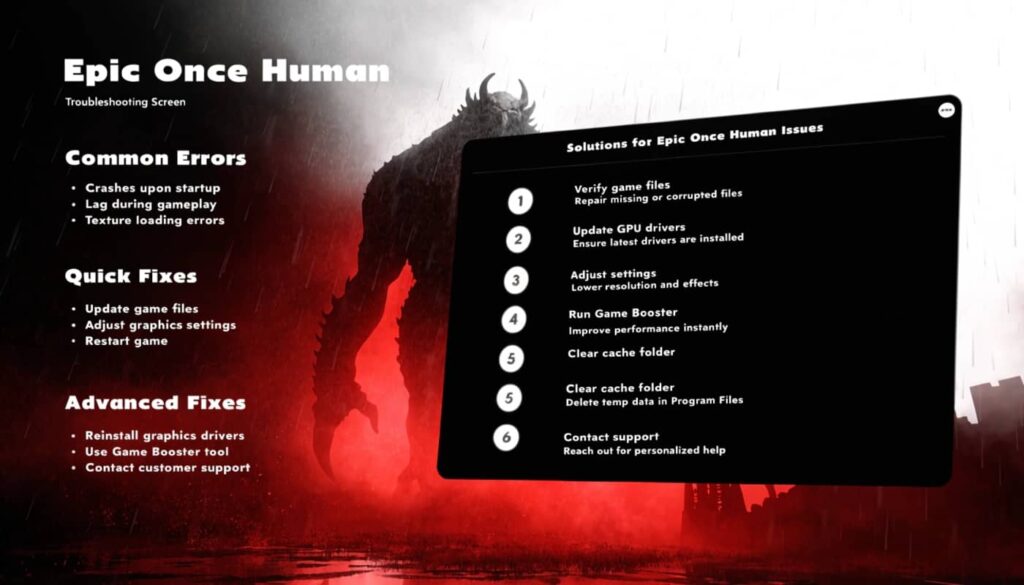
Pause and resume the download first since that alone fixes most stuck downloads. On Steam switch your download region in Settings under Downloads to find a less congested server. On the official launcher close and reopen the application entirely. Avoid running other bandwidth-heavy apps like video streaming while the download is in progress.
Installation failed or corrupted files
On Steam right-click Once Human in your library, go to Properties then Local Files, and click Verify integrity of game files. Steam will redownload only the missing or corrupted data without restarting from scratch. On the official launcher use the built-in repair option if available. Also check that your antivirus is not quarantining game files since Windows Defender frequently flags launcher components as false positives.
Once Human won’t launch or shows DLL errors
Update your GPU drivers first since outdated drivers are the most common cause of launch failures. Then install the latest Microsoft Visual C++ Redistributables and run the DirectX End-User Runtime installer from the Microsoft website. After both installs restart your PC and try again. If the problem persists run the game as administrator and temporarily disable overlay software like Discord or MSI Afterburner.
what to do the moment Once Human is installed
Creating your account and getting in
Account creation takes under two minutes with just an email and a password. No payment details. No subscription. Once your email is verified you are in. If you downloaded through Steam link your Steam account to your Once Human profile for faster logins going forward.
Settings to fix before your first session
The auto-detected graphics preset is rarely optimal for your specific GPU. Open settings immediately after your first login and verify your resolution, check render scale, and confirm V-Sync is off. For the full picture of what to change and why head to our Once Human PC optimization guide which covers every setting across all hardware tiers.
5 things to do before your first hour ends
- Place your territory anchor early. Find a flat area away from busy zones and plant your base as soon as the game allows it.
- Start the workbench research tree. All gear progression flows through it so prioritize it above everything else.
- Team up with another player. Once Human is faster and more fun in groups even with just one partner.
- Pick up everything. No resource is useless in the early game. Collect it all and sort later.
- Fix your graphics settings now. Do not wait until performance starts suffering. Get your Once Human PC settings dialed in from the start.
Once Human PC download takes less than 30 minutes and costs you nothing. You now know the exact steps to install it, fix any errors that show up, and get into the game without wasting time. Go download it, tweak your settings with our Once Human PC performance guide, and drop your first impressions in the comments below.

PC GamingGPU BenchmarksFPS OptimizationHardware ReviewsSurvival Games
90 articles published on Rezrox View all articles →